
Show display name in a PnP Modern Search Results Web Part using handlebars helpers.
I have added a search results web part to a page to show a list of my projects. One of the columns should show who is the Project Manager.
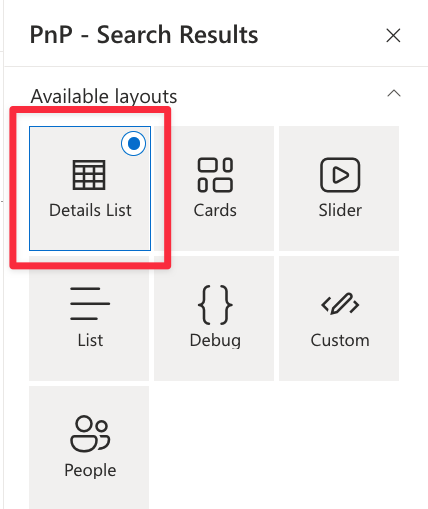
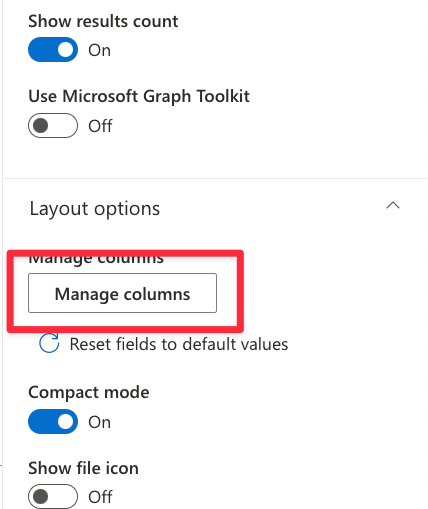
To do that I used the details list and configured the columns as shown in the images below.
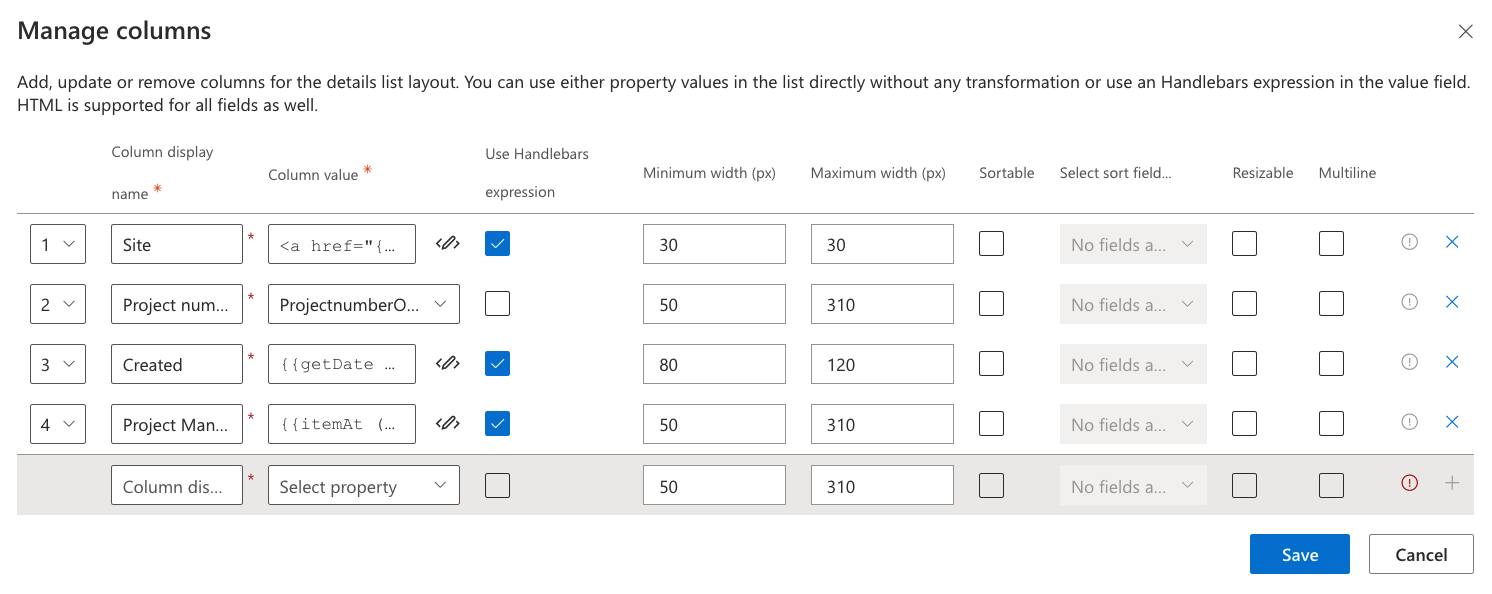
In row 4 I entered {{ProjectmanagerOWSUSER}}
This produces: pkops@hxxxxr.nl | Pieter Kops | 693A30232E667C6D656D626572736869707C706B6F7073406861757A657
Then I found out how to use handlebars and came up with this:
{{itemAt (split ProjectmanagerOWSUSER “|”) 1}}
And that gave me my display name: Pieter Kops
How does it work
First split the ProjectnmanagerOWSUSER field at the | sign
This creates an array of 3 values…
0 – pkops@hxxxxr.nl
1 – Pieter Kops
2 – 693A30232E667C6D656D626572736869707C706B6F7073406861757A657
Next take the number 1 value of the array
Wees de eerste om te reageren